 Work Hours Calculator
How to Calculate Work Hours in a Week
A plain guide to adding up time cards with breaks, overnight shifts, and overtime. Published January 14, 2026. Updated October 23, 2026.
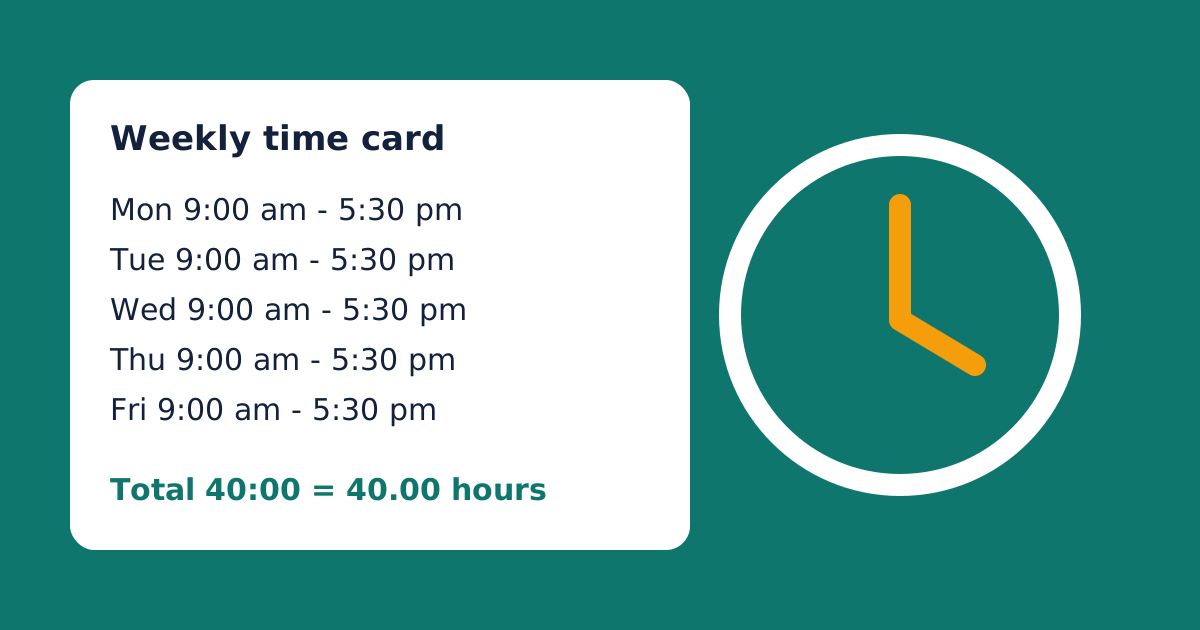
Work hours are the paid time between clocking in and clocking out. The math looks easy, but small slips add up. A 10 minute error on each shift costs almost an hour in a five-day week. This guide shows the full method, from one shift to a whole week.
The Work Hours Calculator uses the same steps. Check your own numbers against it as you read.
What Counts as Hours Worked
Hours worked cover all the time you spend on duty. That includes time at your station, required meetings, and training your employer requires. Short rest breaks count too. A normal commute from home to your regular job site does not. A trip between two job sites during the day usually does.
Meal periods are the gray area. They come off your total only when you are fully free of work. The paid vs. unpaid breaks guide covers that line in detail.
The Basic Formula
Every shift uses one formula. Take the end time, subtract the start time, and subtract unpaid breaks.
Hours worked = End time − Start time − Unpaid break
Say you work 8:00 am to 4:30 pm with a 30 minute lunch. The gap is 8 hours 30 minutes. Take off the lunch, and you worked 8 hours. Repeat for each day, then add the days together.
Calculate One Day, Step by Step
- Copy your clock-in and clock-out times exactly as they appear on the time card.
- Put both times on the same clock. Use the 12-hour clock or the 24-hour clock, but not both.
- Subtract the start from the end. Borrow an hour if the end minutes are smaller than the start minutes.
- Subtract unpaid break minutes.
- Write the answer in hours and minutes, such as 7:45.
Try a harder case. You clock in at 7:50 am and out at 4:20 pm. On a 24-hour clock, the end is 16:20. Since 20 is less than 50, borrow an hour. The sum becomes 15 hours 80 minutes minus 7 hours 50 minutes, which is 8 hours 30 minutes. A 45 minute break leaves 7 hours 45 minutes.
12-Hour and 24-Hour Clocks
Most paper time card errors come from am and pm. The 12-hour clock restarts at 12:00 twice a day. Noon is 12:00 pm, and midnight is 12:00 am. The half hour after noon, 12:30 pm, is still pm.
The safest fix is to convert to 24-hour time. Add 12 to every pm hour, so 1:30 pm becomes 13:30. Leave am times alone, except 12:xx am, which becomes 00:xx. Now every time sits on one line, and subtraction works the same way for any shift. A 06:00 to 14:30 shift and a 13:15 to 21:45 shift both last 8 hours 30 minutes.
Lunch: Clock Out or Auto Deduct
Employers record lunch in two ways. Some ask you to clock out and back in. That gives you two shifts in one day, and you add them. For example, 8:00 am to 12:00 pm is 4 hours, and 12:30 pm to 4:30 pm is 4 more. The total is 8 hours, and the gap never enters the math.
Others deduct a fixed lunch from every shift. That works until you skip lunch and still lose 30 minutes. Note those days and ask payroll to restore the time.
A Full Week Example
This sample week shows how daily totals become a weekly total.
| Day | Start | End | Break | Hours |
|---|---|---|---|---|
| Mon | 8:00 am | 5:00 pm | 30 min | 8:30 |
| Tue | 8:00 am | 5:15 pm | 30 min | 8:45 |
| Wed | 9:00 am | 6:00 pm | 60 min | 8:00 |
| Thu | 8:00 am | 4:30 pm | 30 min | 8:00 |
| Fri | 7:30 am | 5:00 pm | 30 min | 9:00 |
| Sat | 9:00 am | 1:00 pm | 0 min | 4:00 |
Add the hours first. 8 + 8 + 8 + 8 + 9 + 4 is 45. Then add the minutes. 30 + 45 is 75, which is 1 hour 15 minutes. The weekly total is 46 hours 15 minutes, or 46.25 in decimal form.
At $20 an hour with overtime after 40 hours, 6.25 hours earn overtime. Regular pay is 40 x $20, or $800. Overtime pay is 6.25 x $30, or $187.50. Gross pay is $987.50 before taxes. The overtime pay guide explains why the overtime rate is $30.
Three Quick Checks
First, test the size of the answer. Five shifts of about 8 hours should land near 40. If you get 44 and cannot say why, hunt for an error. Second, add the week twice. Total the hours in hh:mm, then convert each day to decimals and add again. The two answers should match. Third, multiply your decimal hours by your rate and compare the result with your pay stub.
Paper, Spreadsheet, or Calculator
Paper is easy but slow, and it invites math slips. A spreadsheet is flexible, but you must set it up. Subtract the start from the end, then multiply by 24 to get decimal hours. Format weekly totals as [h]:mm, or the sheet resets after 24 hours.
An online calculator needs no setup. It handles breaks, overnight shifts, and overtime, and it saves your week in your browser.
Where to Go Next
Night shifts need one extra step, covered in the overnight shift guide. Payroll wants decimals, so read how to convert hours to decimal hours next. If overtime applies to you, the weekly vs. daily overtime guide explains the workweek.
Related Guides
- How to Convert Hours and Minutes to Decimal Hours. Turn your total into payroll-ready decimal hours.
- Paid vs. Unpaid Breaks. Check which breaks come off your day.
- How Overtime Pay Is Calculated. See what your hours are worth once overtime applies.
Want to test your own week? Open the work hours calculator, or see all payroll time guides.
Sources
This guide is general information, not legal advice. Rules vary by state and job type, so check your state labor office too.